Microsoft Office 365
Microsoft Office 365 is optimized for mobile productivity with streamlined tools for creating, editing, and sharing documents.

Safe & Secure
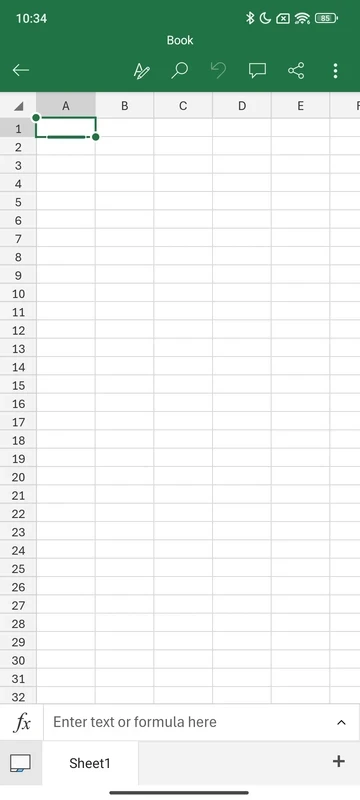
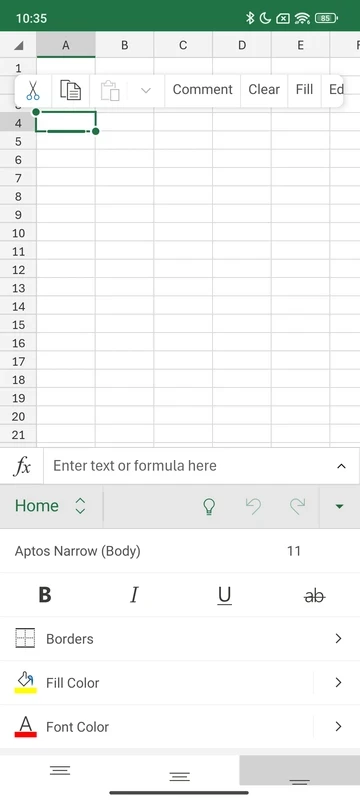

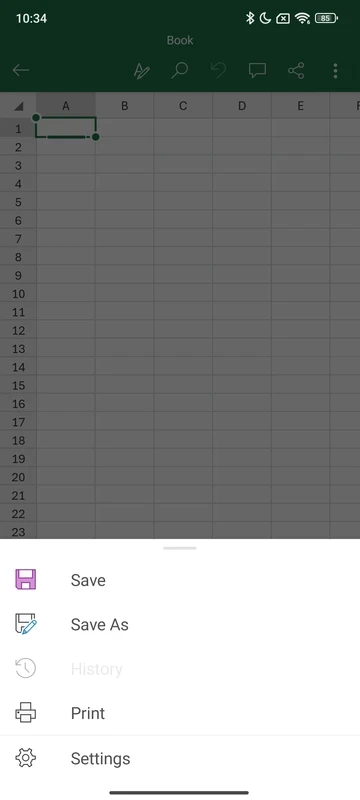
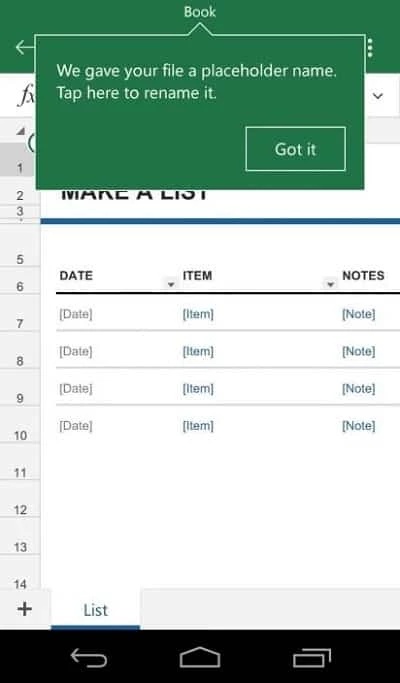
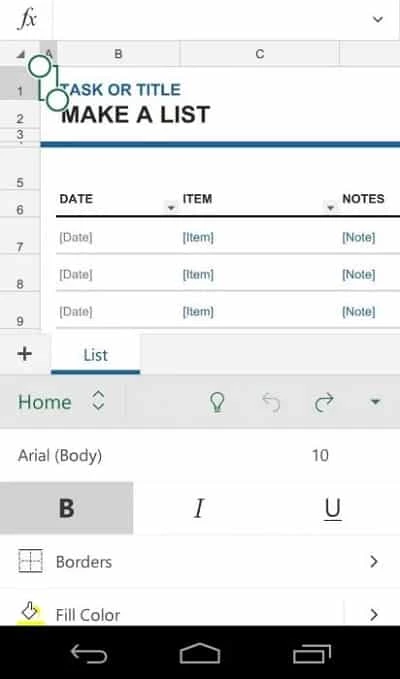
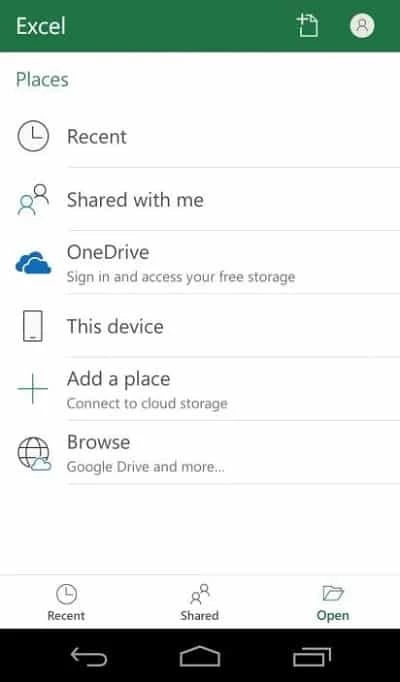
Microsoft Excel is a comprehensive, feature-rich productivity app that enables users to create spreadsheets and organize data. It helps manage large datasets with powerful data analysis and budgeting capabilities. You can reliably generate detailed charts and data visualizations to handle your financial tasks.
The app, with enhanced cross-platform compatibility, supports both professional and personal use by enabling access to multiple spreadsheet features across devices. It enables users to create, edit, view, and share their spreadsheets. The availability of pre-made templates makes your data and financial management easier to access.
Also available for: Windows
Microsoft Excel is a productivity and business application and part of the Microsoft Office 365 suite. It offers both free and paid services according to your requirements. It helps generate budget plans, salary plans, charts, and other task lists to streamline a smooth, stable workflow.
The innovative app offers all basic spreadsheet functions, including creating, editing, viewing, and sharing spreadsheets. It enables task completion with greater flexibility and mobility. The integration with other productivity apps makes your data management workflow quick, simple, and seamless. You can use the app while purchasing a full Office 365 subscription plan, or exclusively purchase it.
Creating and editing spreadsheets is one of the major functionalities offered by the app. You can make your work quickly accessible and up-to-date while using the automatic calculations, real-time updates, detailed version history, and so on. The use of familiar formulas and an accounting calculator makes your calculations accurate and easy, regardless of whether the data is taken from simple arithmetic or complex financial modeling.
The mobile app has only support for basic functions such as text formatting, insert charts, images, and text, some basic formulas, and spreadsheet view changing capability. So, there is a lack of advanced features, so useful only for basic requirements, instead of getting professional results. It is also not possible to create formulas similar to the full version, and the unavailability of the search function makes it a little bit inaccessible.
It is one of the best solutions to change raw tables into repeatable results. No need to rebuild steps, instead refresh the results after pulling the data from common sources using the Power Query. Similarly, use Data Validation for locking down the inputs to make the shared models predictable. It is the best option for managing the finance operations and QR work where rippling of small mistakes can occur quickly.
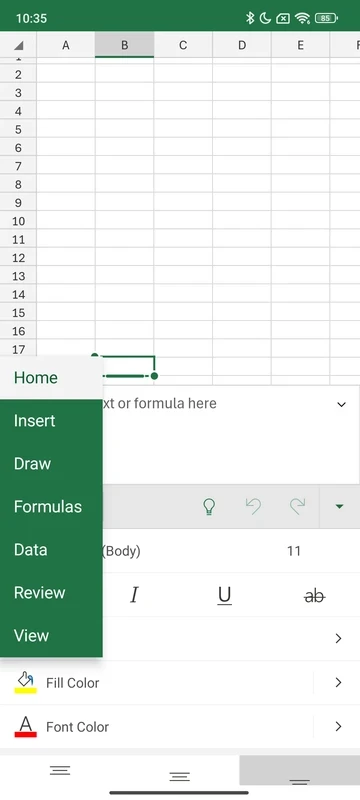
The app also has the ribbon interface similar to other Office apps, and you will find it easily manageable because of its stripped-down nature. You can easily switch to the menus for locating your desired function. The functional and quickly responsive touchscreen controls make your workflow smooth and fast. However, it offers a keyboard on more than half of the screen, which can create inconvenience while inputting text.
You are also capable of inviting others to work on any project, as it offers real-time collaboration; simply share your spreadsheets with members with members in your email account by using the format intact, copying a link, and a lot of others. Anyone who joins you must remain aligned with cell comments. It enables users to track changes and get real-time updates to make their data analysis fully collaborative, regardless of using an external or internal team. However, you need to connect with internet to use the feature.
The inclusion of a budget template by default is one of the awesome aspects, as it helps to manage your financial requirements. In addition, the use of a budget planner helps users to manage their finances more reliably by breaking them down into manageable segments. In this way, you can plan as well as monitor your income and expenses in parallel. It also provides insights while facilitating the over-time expenses tracking with the help of a built-in budget tracker, and reliably guides you on how to save money.
After setting your tables, you will find hassle-free insertion of data without rewriting everything such as insert values, copying logic, extend ranges, and so on. Managing of large files could be slow, specifically in case of stacked calculations. However, the image editing and changing of page layout isn’t available.
It is one of the core feature that is embedded with a built-in chart maker for annotating, editing, and inserting charts, as it efficiently interacts with data insights. You can reliably visualize complex data using the innovative feature for easy interpretation and presentation of information. It also includes multiple other analysis features for adding as well as editing chart labels, and make your data points stand out while highlighting key insights.
Pros
Cons

Microsoft Office 365 is optimized for mobile productivity with streamlined tools for creating, editing, and sharing documents.

MS Word Free Download to create, edit, format, and collaborate on eye-catching documents.

Google Docs offers versatile and flexible text formatting within a powerful mobile word processor

Google Sheets, the cloud-based utility, offers quick creation, editing, and collaboration with offline support

Adobe Acrobat Reader to view, edit, print, and share PDFs